
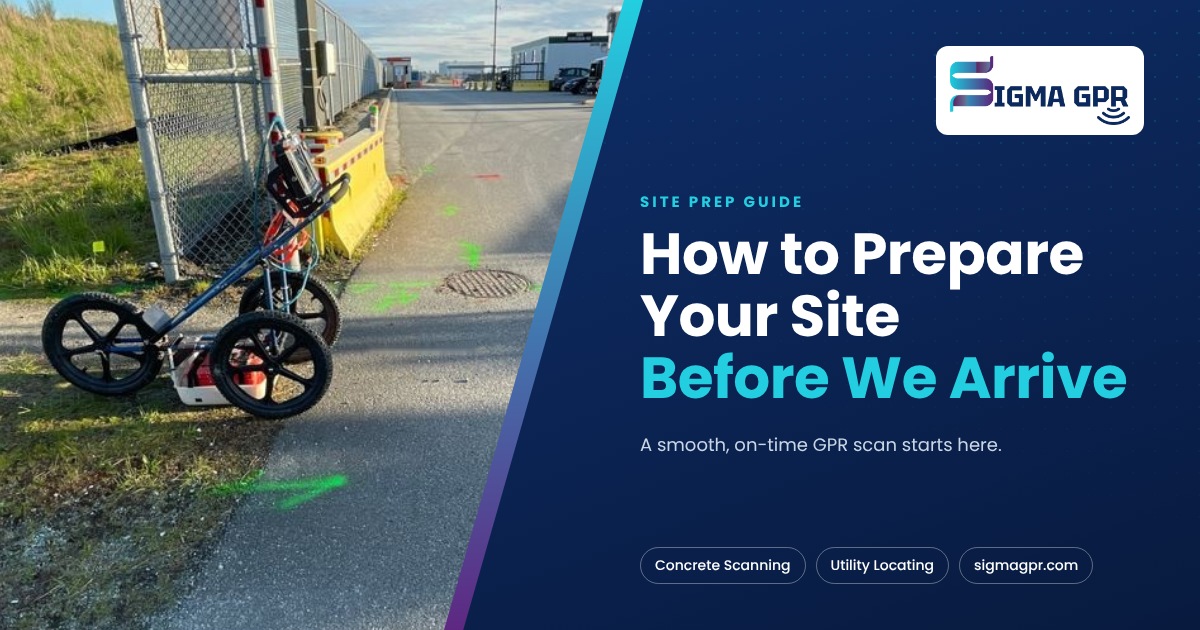
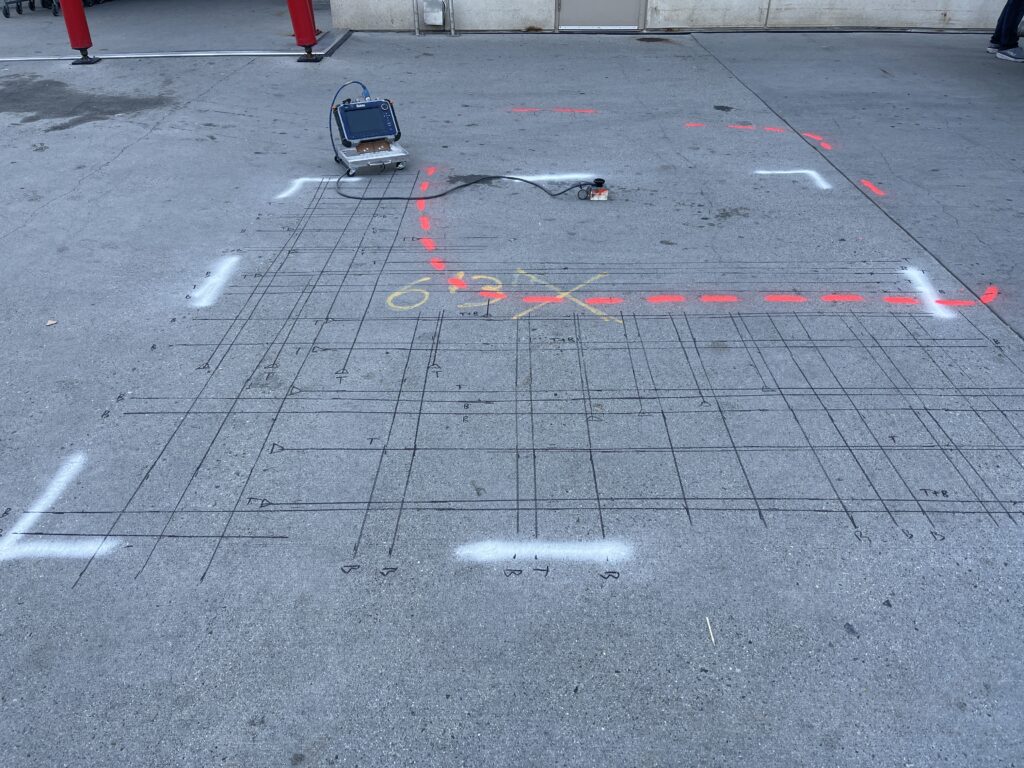
A little preparation makes a big difference. When you prepare your site for a GPR scan or utility locate, our technician can start scanning the moment they arrive, your crew gets results sooner, and you pay for scanning time, not waiting time.
Here is what to do before we arrive, whether you’re booking a concrete scan, a private utility locate or both.
When you book: send us the details
The more we know ahead of time, the better we can plan the visit and your quote.
- Site address, building, floor or level
- What you plan to do: core, saw cut, anchor, trench or dig
- Number of locations and their sizes
- Slab type if known: post-tension, suspended, slab on grade
- Photos of the area
- Drawings or as-builts, if you have them
- Site hours, access rules and the name and phone number of your site contact
You can send all of this through our booking form.
Before a concrete scan
- Mark every location. Use tape, marker or paint to show each core, cut or anchor point, with the hole size if you can.
- Clear the area. Move tools, materials, pallets and debris off the scan areas. Leave about one metre of clear space around each location.
- Check access below. For suspended slabs, let us know what is under the slab and whether we can reach it.
- Remove what you can from the surface. Loose mats, carpet tiles and standing water slow the scan. Tell us if there’s tile or epoxy that will stay.
- Move vehicles. In parkades, arrange for cars to be moved off the scan areas.
- Plan for occupants. In occupied buildings, let tenants or residents know we’ll be on site. GPR uses no radiation, so no one needs to leave.
Before a utility locate
- Submit your BC 1 Call request at least three business days before you dig.
- Outline the dig area in white paint or flags so the locate covers the right space.
- Clear the surface. Rake leaves, move material piles and park vehicles away from the dig area.
- Open access points. Unlock gates, and let us know where meters, panels, cleanouts and valve boxes are.
- Share what you know. Old drawings, previous locate sheets or notes about past work help us find private lines faster.
Not sure why you need a private locate after BC 1 Call? Read BC 1 Call vs Private Utility Locating.
Access, parking and safety
- Reserve parking or a loading spot close to the work area, especially downtown.
- Arrange keys, fobs, elevator access and any building sign-in ahead of time.
- Tell us about site orientation, PPE rules or permits we need before we arrive.
- Make sure the area is safe to work in: lit, ventilated and free of open holes or overhead work.
On the day
- Have someone on site who knows the planned locations and can make decisions.
- Walk the technician through each area before scanning starts.
- Keep the area clear while we scan.
- Stay for the review at the end, when the technician explains the markings.
After the scan or locate
- Photograph the markings before work starts. Our free Site Log keeps dated photos in one place.
- Keep equipment and materials off the marks.
- Don’t move a planned core into an unscanned area without checking with us.
- If marks fade or the plan changes, ask for a re-scan or re-mark before you dig or core.
Printable checklist
- Booking details and photos sent
- Locations marked
- Areas cleared, vehicles moved
- BC 1 Call request submitted (for digging)
- Dig area outlined in white (for digging)
- Access, keys and parking arranged
- Site contact confirmed
For the full pre-work safety list, use our free Safety Checklist.
Why it matters
Most delays on scan day come from unmarked locations, blocked areas and waiting for access. A prepared site means a shorter visit, a lower bill and results your crew can use right away. See What Affects the Cost of a Concrete Scan?
Ready to book?
Book a scan or locate or call (778) 302-0868. We usually quote within a couple of hours.